Everything from the shift to the payment
One system for timesheets, approvals, rates and payroll, designed around how contractors actually pay a workforce.
Timesheets with locked-in rates
Workers log hours; a supervisor or owner approves. The pay rate is frozen onto each shift at approval, so changing a rate later never rewrites what was already approved.
Regular and ad-hoc payroll
Run standard day-typed pay (Mon–Fri / Sat / Sun) and one-off ad-hoc jobs in the same system, each priced from its own frozen rate.
Pay register by channel
Each closed run groups workers by how they’re actually paid: bank transfer, PayID or cash, with per-worker mark-paid tracking.
One-click ABA bank files
Generate a BECS Direct Entry (.aba) file for your unpaid bank-transfer workers and upload it to your own bank. SitePay never moves money or holds bank credentials.
Invoice-style payslips
Clear per-worker payslips showing the hours, day-type rates and totals behind every payment, with account details masked.
Sites & site groups
Organise work by site and site group, with live assigned-worker counts and per-site default rates that seed each worker’s pay.
Four-role access, enforced in the database
Owner, site head, worker and platform admin each see exactly what they should. Tenant isolation is enforced by Postgres row-level security, not app-side filtering.
Reports with target hours
Per-site and per-group run reports with planned-vs-target hours and CSV export for your records.
Notifications that don’t get missed
Important announcements can persist until acknowledged, so a rate change or a payroll note reaches everyone who needs it.
Your whole operation on one screen
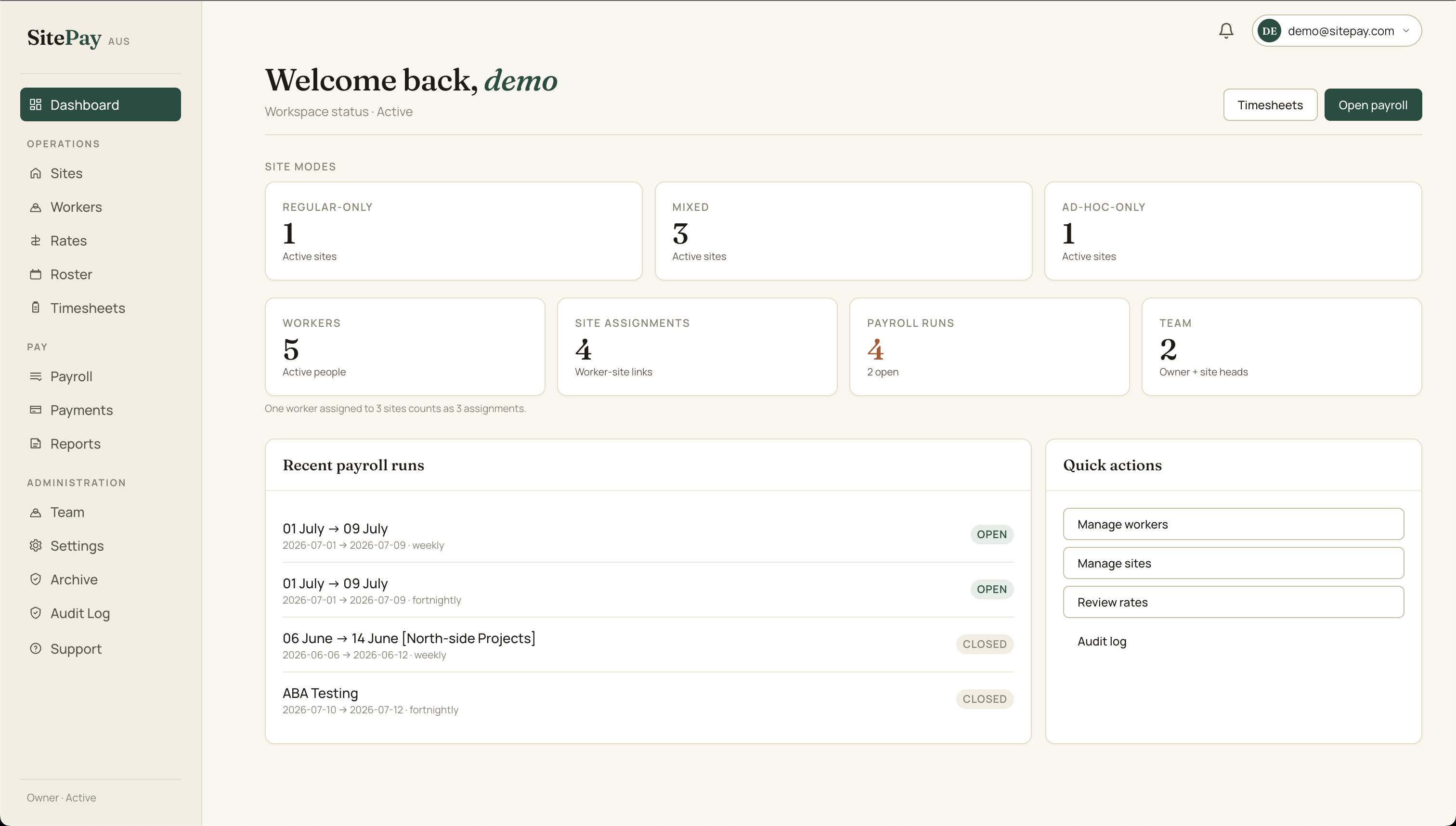
See sites, workers, open payroll runs and recent activity the moment you sign in, scoped to your role and your tenant.
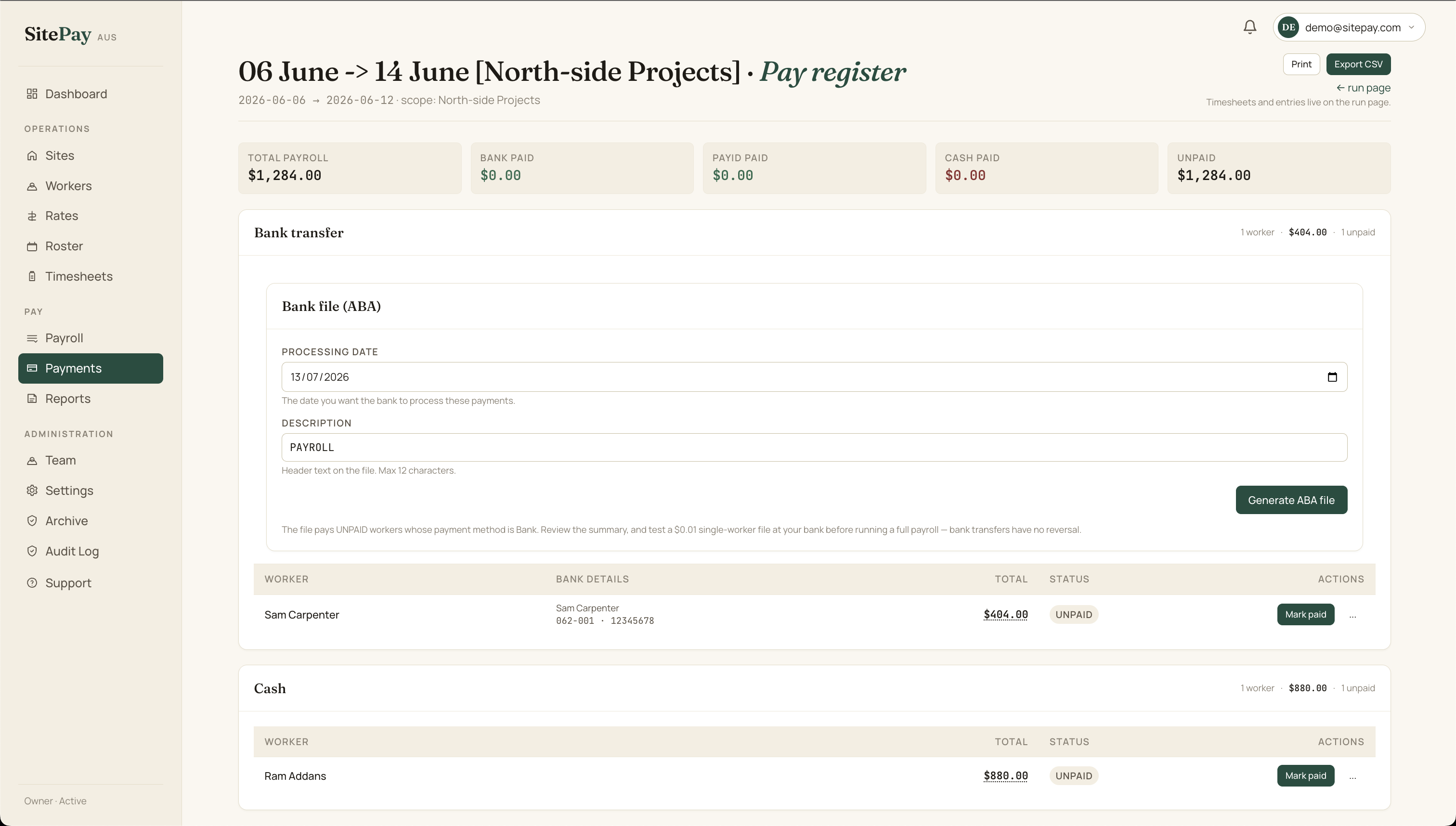
Pay everyone the way they’re actually paid
The pay register splits a closed run into bank, PayID and cash groups, shows who’s still unpaid, and hands the bank-transfer workers straight to the ABA file.
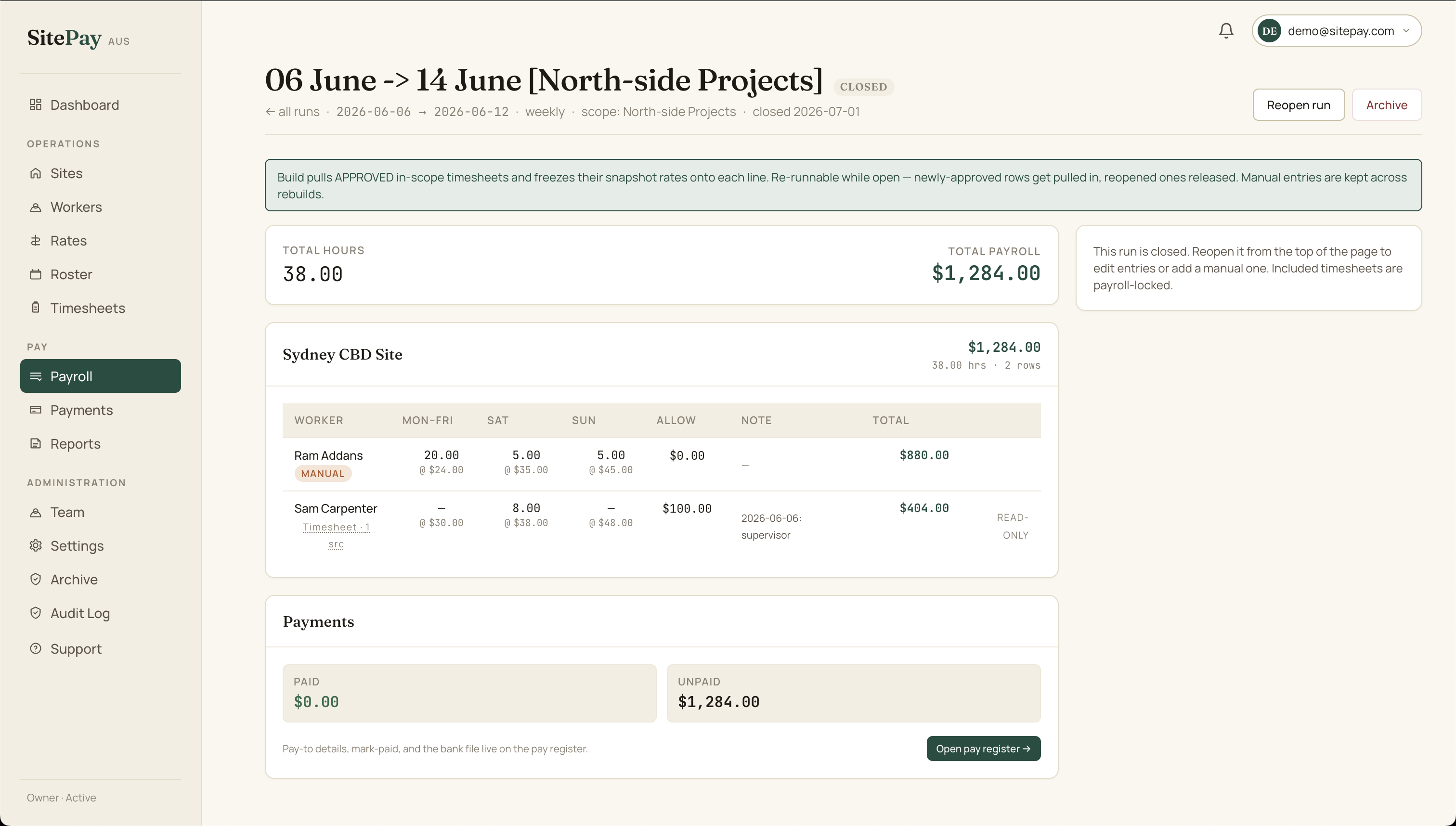
Every line traces back to an approved shift
A run is built from approved timesheets with their frozen rates. Add manual entries or owner adjustments. The totals stay in integer cents, never floats.
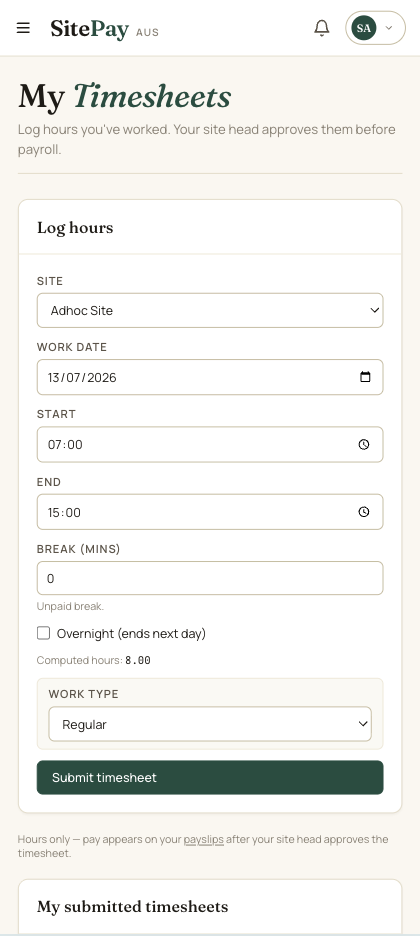
Workers log hours from their phone
An installable, mobile-first timesheet: pick the site, enter the hours, submit. The site head approves and the rate locks in.
How it works
From setup to a paid workforce in four steps.
Set up sites & workers
Create site groups, sites and their default rates, then add workers and assign them to sites.
Workers log timesheets
Workers submit their hours per shift from the web or their phone, or a site head enters them.
Approve & snapshot rates
A supervisor or owner approves each shift, freezing the pay rate onto the line so it can’t drift later.
Run payroll & pay
Build a run from approved shifts, then pay via an ABA bank file, PayID or cash, and mark each worker paid.
SitePay is honestly one of the best software I have used for managing payroll. Timesheets, worker rates, rosters, data and everything is handled accurately and saved properly. It saves me time, money, and a lot of unnecessary stress. The price is very reasonable too. Really glad I found this. Thanks SitePay.